Windows 11 Start Menu uses 15MB of JSON to organize programs by category
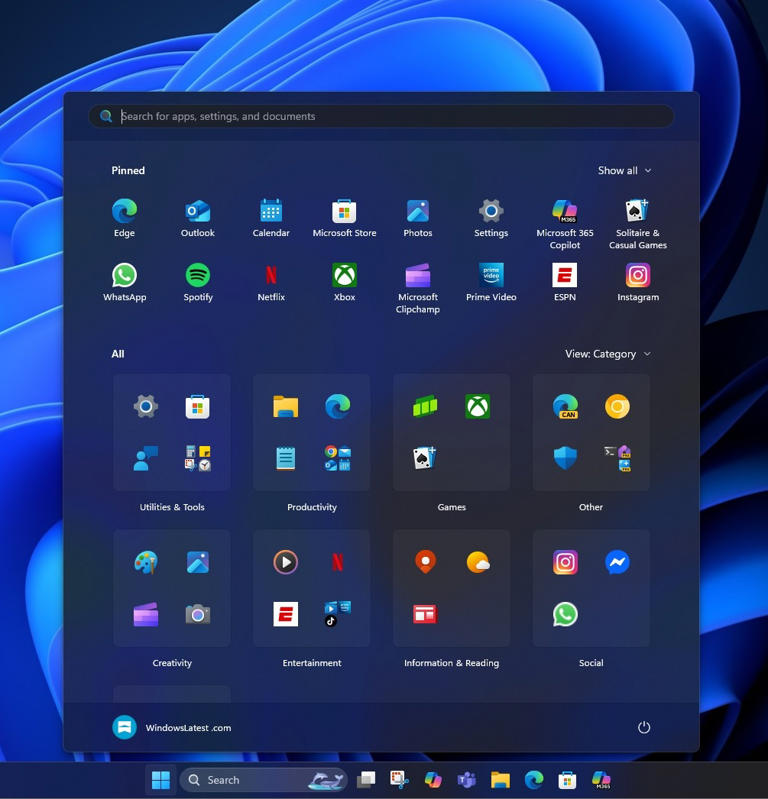
The new Windows 11 25H2 Start menu by default has a single-page scrolling layout and includes some new features, such as categories. You can't create categories and group apps as you need them, but Microsoft will do it for you. You may be wondering how apps are grouped under dozens of different categories. Is it AI? Or is it a Microsoft server? No, it's actually a 15MB JSON file.
While using the new Start menu, which is still rolling out to beta testers in the Windows Insider program, I tried to delve into how these categories actually work. However, Albacore on X has discovered that Microsoft is using a 15MB JSON file to group apps under different categories, and there's no mention of AI or calls to Microsoft API endpoints.
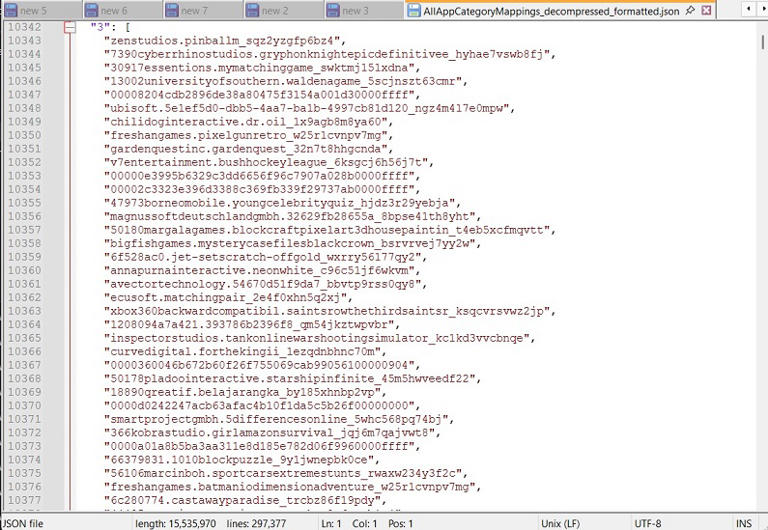
As shown above (if you understand what is actually happening in the JSON file), Windows stores a static category that links the names of almost all Microsoft Store package families to an integer representing the category. This is compressed, but once decompressed, you'll get a 15MB JSON file.
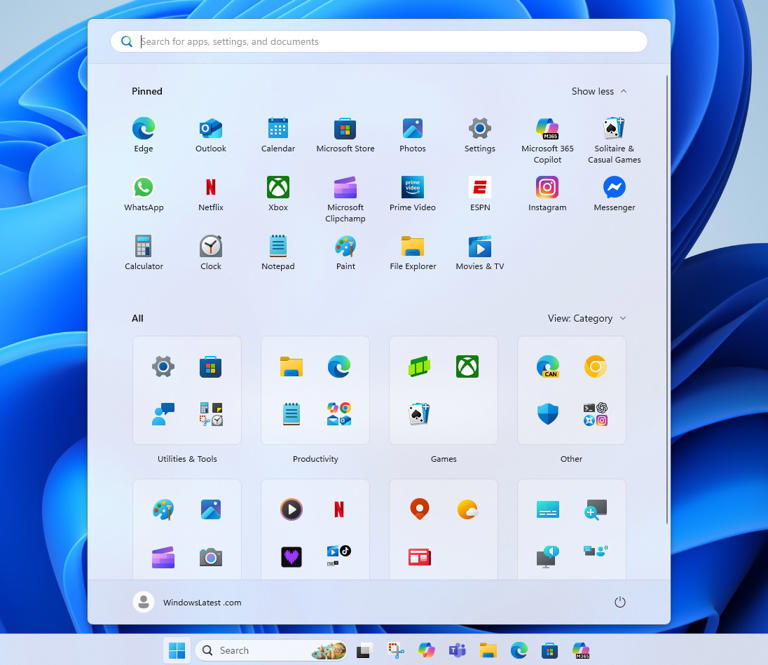
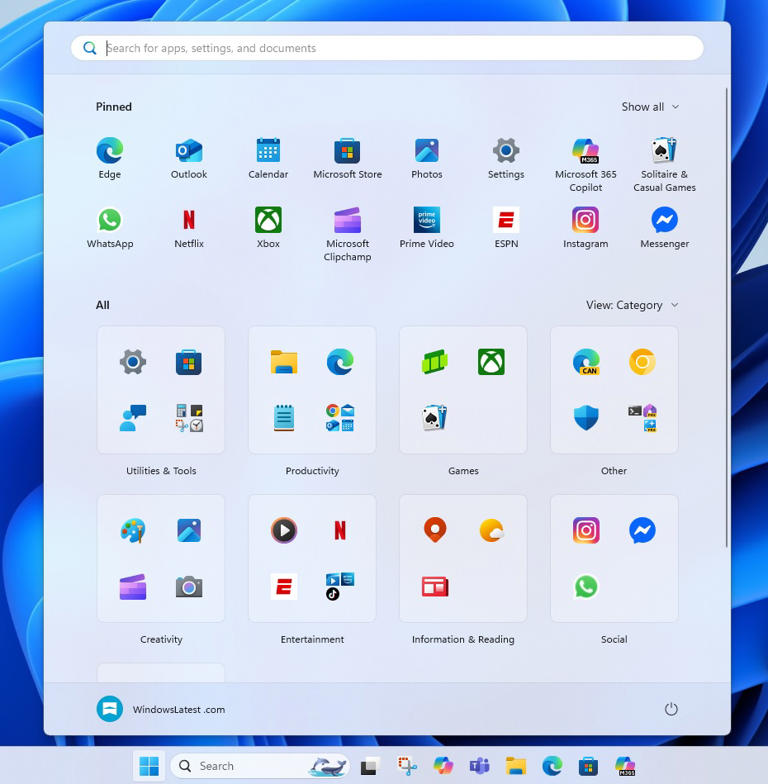
The JSON file contains IDs, and Windows internally treats the numeric codes as games, entertainment, and other categories. For example, the code 0 means productivity apps, 1 means social, 2 means creative apps, and so on. When the Start menu detects a new app installation, it builds a Category view.
For each app you install, the Start menu looks at the package family name, and when the algorithm finds a match, the installed apps are grouped under the matching category. If you installed Windows Media Player from the App Store and there are at least three apps in the Music category, the Start menu groups Media Player under that category.
Microsoft maintains the database through Store or Shell updates from Windows Update and does not require a full system update to organize renaming or new package names.
Microsoft doesn't actually send any requests to the server, API, or AI. Each of its categories is supported by a JSON file, which is 15MB in size but compressed. “The categories of the Start menu and other possible features are available completely offline.
In addition, you may notice that Windows reorders the applications within the categories so that the most frequently used applications are displayed first. This is also done locally. Every time you open the Start menu, it tries to reorder the applications in the categories according to your application usage (how often you open them) pattern.


Comments
Post a Comment